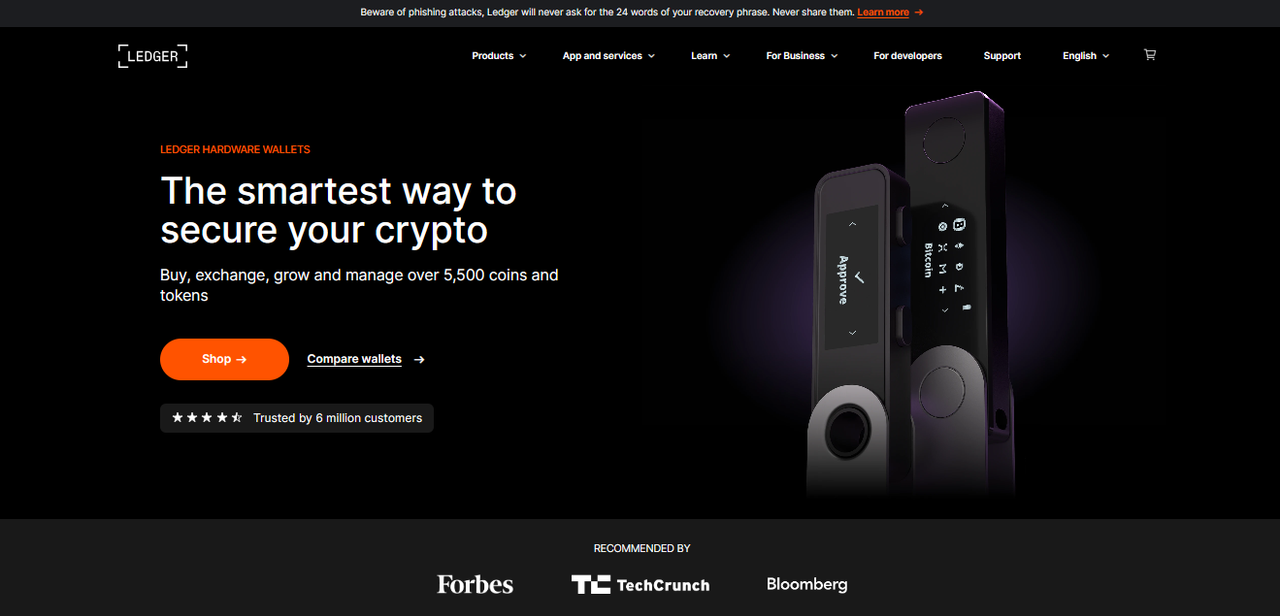
Ledger Live Login — Cryptocurrency Management Platform
Securely access your portfolio, sign transactions, and manage assets with Ledger Live. This guide explains login flows, device pairing, account recovery, and best practices for keeping your funds safe.
Understanding the Ledger Live login flow
Ledger Live acts as an interface to your Ledger hardware device — it does not store your private keys. When you "log in" to Ledger Live, the app connects to your local device and reads public account information. Transaction signing still happens on your Ledger hardware: the app constructs a transaction and the device signs it after you confirm. This model ensures your secret keys never leave the secure element inside the device.
Step-by-step: Connecting and logging in
- Download Ledger Live — Only use the official Ledger domain to download the installer for Windows, macOS, Linux, Android, or iOS.
- Install and open — Run the installer and launch Ledger Live. You'll be prompted to allow the app to access connected USB devices (or Bluetooth on supported models).
- Pair your device — Connect your Ledger hardware with the USB cable or pair via Bluetooth. Enter your device PIN to unlock it.
- Login within the app — Once the device is unlocked, Ledger Live will detect it and display your accounts. No password leaves your device; the app uses the public keys to show balances and history.
- Sign operations on-device — Any send, swap, or contract interaction must be confirmed on the device screen. Reading the details on-device is the final authorization step.
Account recovery & lost device
The recovery phrase (sometimes called seed phrase) is the ultimate backup of your funds. If your Ledger device is lost or damaged, you can restore access by entering your recovery phrase into a new Ledger device or another compatible wallet. Keep the recovery phrase offline and physically secure — never type it into a website, share it, or store it in the cloud.
Login options and convenience features
Ledger Live offers convenience features like account labels, address book, and synchronized portfolio across desktop and mobile. While these improve user experience, they do not change the security model: private keys remain on-device. For users who prefer fewer network calls, Ledger Live supports offline modes where account balances update only when you connect the device.
Security best practices when logging in
- Verify sources — Always download Ledger Live from ledger.com and confirm the download link matches the official domain.
- Update regularly — Keep Ledger Live and device firmware up to date to benefit from security patches.
- Never share your recovery phrase — Ledger support will never ask for your recovery phrase. Treat unsolicited requests as scams.
- Check device prompts — Always read the transaction details on your Ledger device screen before confirming.
- Use a secure environment — Avoid public or suspicious computers when accessing financial apps. Consider a dedicated device for high-value transfers.
Troubleshooting common login issues
If Ledger Live fails to detect your device, try the following: verify the USB cable and port, ensure device firmware is up-to-date, confirm the device is unlocked with PIN, and check that other software isn't blocking USB access. For Bluetooth pairing issues on mobile, remove existing pairings and re-initiate pairing from the app settings.
Quick fix checklist: reconnect cable → unlock device → open Ledger Live → allow permissions.
Advanced usage: Integrations and dApps
Advanced users can use Ledger Live alongside Web3 wallets and dApps by connecting through the provider bridge or by exporting read-only public keys for third-party portfolio trackers. Always ensure any third-party integration is reputable and that transaction signing still occurs on your Ledger device — that’s the safety net.
Summary
Ledger Live Login is the secure entry point to manage your cryptocurrency with hardware-backed keys. The app streamlines portfolio management, provides integrated services like swaps and staking, and keeps signing authority strictly on the device. Pair it with disciplined backup hygiene and cautious online behavior to protect your assets.
Open Ledger Live